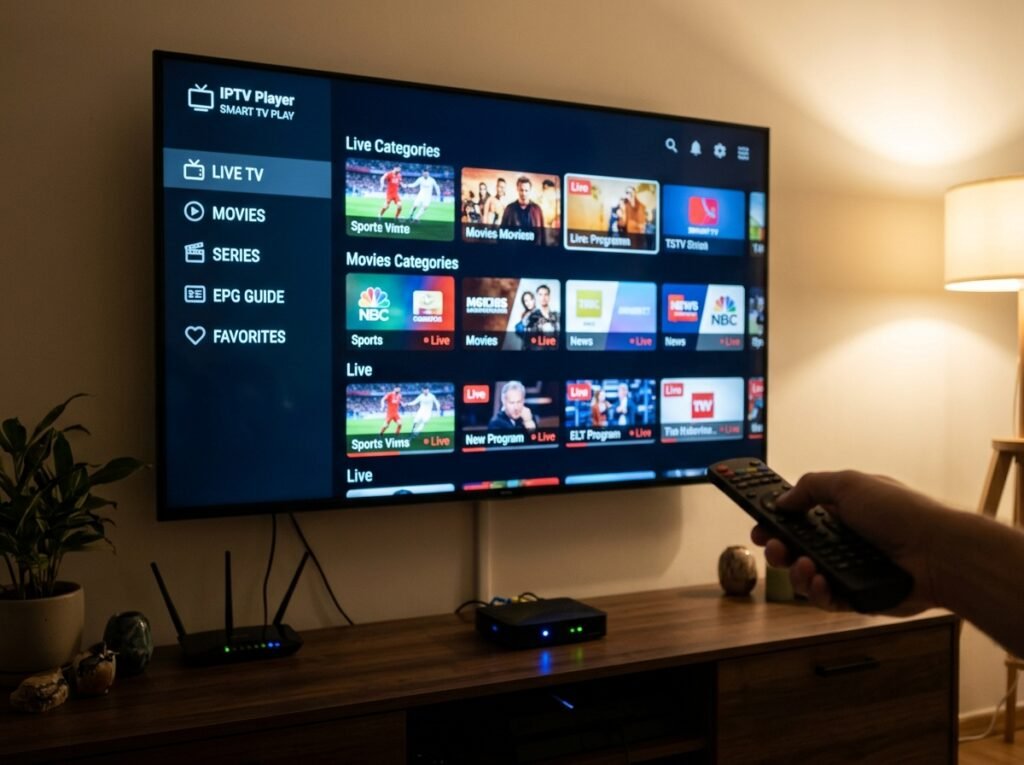
Finding the best IPTV for Firestick in the USA depends on choosing a compatible app, setting it up correctly, and using a reliable provider. With the right setup, you can enjoy live TV, sports, movies, and entertainment directly on your television.
Amazon Firestick is a popular choice for cord-cutters because it is affordable, easy to install, and supports a wide range of streaming applications. However, streaming quality depends on your internet connection, device performance, app compatibility, and provider reliability.
Why Firestick Is Popular for IPTV
Firestick connects directly to your TV through HDMI and provides access to various streaming applications. It is compact, convenient, and available in different models to support HD and 4K streaming.
For most households, the Fire TV Stick 4K offers a good balance of performance, features, and affordability.
Best IPTV Apps for Firestick in 2026
IPTV Smarters Pro: A user-friendly player supporting compatible IPTV login methods and programme guides.
TiviMate: Popular for its television-friendly interface, channel organization, and electronic programme guide.
XCIPTV Player: Offers a dedicated IPTV interface with live TV and on-demand features.
VLC Media Player: A versatile media player that supports compatible streaming links and playlists.
Availability and features vary by device and application version.
How to Set Up IPTV on Firestick
Check your Firestick model and software compatibility.
Install a compatible IPTV player from a trusted source.
Open the application and select your login method.
Enter the credentials provided by your IPTV service.
Load your channels and programme guide.
Test playback and organize your favourite channels.
Always download applications from trusted sources and verify that your provider is authorized to distribute its content.
Firestick vs Fire TV Stick 4K vs Fire TV Cube
Device | Best For |
|---|---|
Standard Fire TV Stick | Everyday HD streaming |
Fire TV Stick 4K | HD and 4K streaming |
Fire TV Cube | Higher-performance streaming and voice control |
The Fire TV Stick 4K is a practical choice for users who want 4K support without investing in a more expensive device.
Common IPTV Problems and Fixes
Buffering: Check your internet speed, restart your router, and improve your Wi-Fi connection.
App crashing: Restart your Firestick, clear the app cache, and check for updates.
Login errors: Verify your credentials, server address, and subscription status.
Channels not loading: Refresh your playlist or contact your provider to check for service interruptions.
Internet Speed Requirements
Streaming Quality | Recommended Speed |
|---|---|
SD | 5–10 Mbps |
HD | 10–25 Mbps |
4K UHD | 25 Mbps or higher |
These are general guidelines. Actual requirements depend on stream quality, network stability, and the number of devices sharing your connection.
Frequently Asked Questions
What is the best IPTV app for Firestick?
IPTV Smarters Pro, TiviMate, and XCIPTV Player are popular options. The best choice depends on your preferred interface and required features.
Can I use IPTV on Firestick without sideloading?
Yes, if your chosen application is available through the Amazon Appstore or another supported installation method.
How much does IPTV cost in the USA?
Costs vary by provider, subscription duration, and features. Compare pricing, renewal terms, and device limits before purchasing.
Do I need a VPN for IPTV?
A VPN is optional. It may provide additional network privacy, but it cannot guarantee a solution to buffering or provider-side issues.
Why does IPTV keep buffering on Firestick?
Common causes include weak Wi-Fi, insufficient bandwidth, overloaded servers, or device limitations.
Is IPTV legal in the USA?
IPTV technology is legal. However, providers must have the appropriate rights to distribute the content they offer.